
ADA-compliant web development is no longer a niche concern. Accessibility lawsuits, updated federal rules and customer expectations all point the same way: websites must work for people with disabilities. This guide explains what the law and guidance say as of 2026, what WCAG requires, and how we build accessible sites at Savoir Management. It is general information, not legal advice.
How does the ADA apply to websites?
The Department of Justice says the ADA requires businesses open to the public, and state and local governments, to make their websites accessible to people with disabilities. Businesses have flexibility in how they comply, and WCAG is the recommended technical reference.
DOJ's guidance on web accessibility and the ADA explains that there is no detailed regulation for private businesses, but existing standards such as WCAG and the Section 508 Standards provide helpful guidance.
What changed for state and local governments?
The DOJ's Title II rule adopts WCAG 2.1 Level AA for state and local government web content and mobile apps. After an April 2026 extension, entities serving 50,000 or more people must comply by April 26, 2027, and smaller entities by April 26, 2028.
See the DOJ's fact sheet on the web and mobile app rule. Vendors that build sites for public entities should design to WCAG 2.1 AA now.
What does WCAG require?
WCAG organizes requirements under four principles: content must be perceivable, operable, understandable and robust. Level AA covers the success criteria most organizations target, from text alternatives and contrast to keyboard access and clear forms.
Read the W3C's WCAG overview and use the WCAG Quick Reference during design and development.
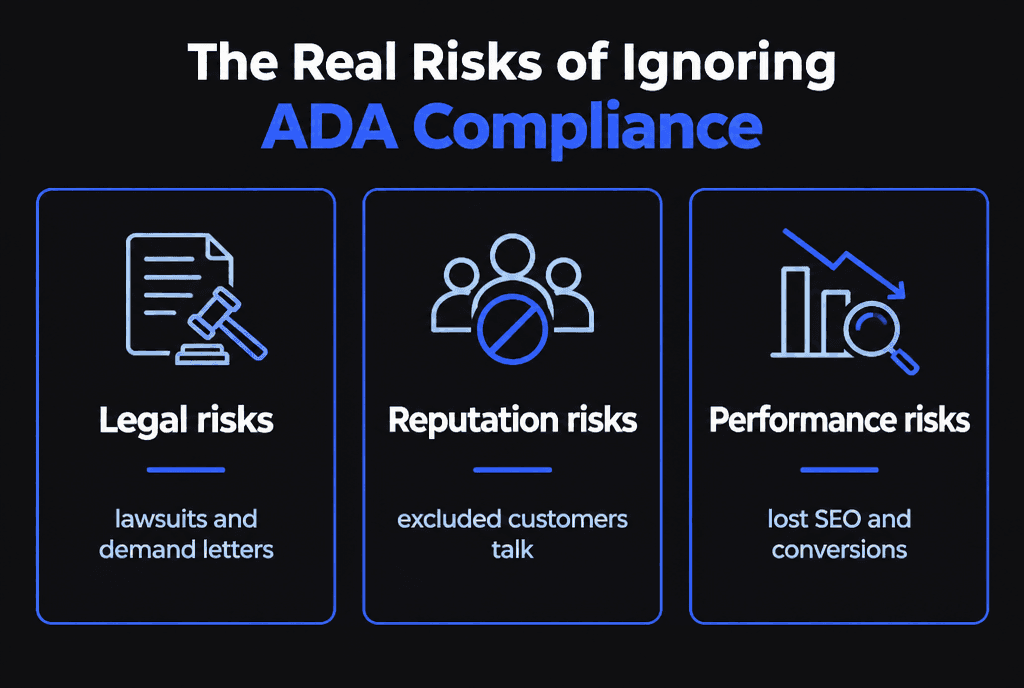
What are the real risks of ignoring accessibility?
Legal, reputational and performance risks. Inaccessible sites invite demand letters and lawsuits, exclude real customers and often have the same structural problems that hurt SEO and usability.
Why do businesses keep missing the mark?
Most failures come from treating accessibility as a final checklist instead of a design and development requirement, relying on overlays, and adding new content without accessible practices.

The most common failures we find:
Images without meaningful alt text
Low color contrast for text and buttons
Forms without labels or clear error messages
Menus and modals that trap keyboard users
Videos without captions
Headings used for styling instead of structure
How do you build an accessible website?
Plan accessibility from the first wireframe: semantic HTML, sufficient contrast, keyboard support, labeled forms, captions and descriptive links. Then test with automated tools, keyboard-only navigation and screen readers before launch.
Design with accessible color and type choices.
Build with semantic HTML and ARIA only where needed.
Write meaningful alt text and descriptive link text.
Caption and transcribe media.
Test with keyboard and screen readers.
Train content editors so new pages stay accessible.
The W3C's introduction to web accessibility explains who benefits and why.
Do accessibility overlays solve the problem?
No. Overlay widgets can adjust some display settings, but they cannot reliably fix inaccessible code, forms, media or document structure. Fix the site itself and use tools only as aids.
Why does accessibility matter beyond compliance?
Accessible sites are easier for everyone to use, work better on mobile and often perform better in search because of clean structure, descriptive text and fast, stable pages.

Accessibility overlaps with good UX and SEO. Read our guides to UX-driven web development and SEO-optimized web development. Healthcare and legal sites face extra scrutiny; see healthcare websites and law firm websites.
How do you get an accessible website built or fixed?
Start with an audit against WCAG 2.1 or 2.2 AA, prioritize barriers on key user journeys, fix them in code and content, and set up ongoing checks for new content.
Our web development team audits and builds accessible sites.


